

You have built a semantic search. Your vectors are flowing. Documents are being retrieved.
But here is the uncomfortable truth, the best answer to your user’s question might be sitting at position #7 in your results. Or #15. Or buried somewhere in the middle where nobody will ever find it.
This is the gap that separates “working search” from “great search.”
The Restaurant Problem
Imagine you walk into a restaurant and ask the waiter, “What is good here?”
The waiter disappears into the kitchen and returns with 20 dishes. They are all technically from the menu. They all contain food. But some are appetizers when you wanted a main course. Some are vegetarian when you eat meat. Some are simply not what the chef would recommend for someone like you.
This is what standard search does. It retrieves documents that match your query. But “matching” is not the same as “best answer.”
Now imagine the head chef comes out. She looks at the 20 dishes, considers your preferences, and says: “For you, start with these five.”
That is reranking.
What Reranking Actually Does
Reranking is a two-stage retrieval technique. Here is how it works,
Stage 1 (Retrieval): A fast search method (keyword, vector, or hybrid) retrieves candidate documents. This stage prioritizes recall. It casts a wide net to ensure the best answer is somewhere in the results.
Stage 2 (Reranking): A more powerful model evaluates each candidate for relevance to the specific query. This stage prioritizes precision. It surfaces the truly relevant documents to the top.
The key insight is that these two stages have different strengths. Fast retrieval methods like BM25 or vector search can process millions of documents in milliseconds, but they make some mistakes. Cross-encoder reranking models are much more accurate, but they are too slow to run on your entire document collection.
Combine them, and you get the best of both worlds.
The Real Difference: Bi-Encoders vs Cross-Encoders
To understand why reranking works so well, you need to understand the difference between bi-encoders and cross-encoders.
Bi-Encoders (What You Use for Semantic Search)
A bi-encoder processes the query and each document separately. It creates an embedding for the query and an embedding for each document. Then it compares them using cosine similarity.
This is fast because you can pre-compute document embeddings. When a query comes in, you only need to compute one embedding and compare it against your stored vectors.
But here is the problem, by processing the query and document separately, the model loses context. It cannot see how specific words in the query relate to specific words in the document.
Cross-Encoders (What Rerankers Use)
A cross-encoder processes the query and document together as a single input. The model sees “[QUERY] What is the capital of the United States? [DOC] Washington D.C. is the capital of the United States.”
Because it processes both together, it can understand relationships and context that bi-encoders miss. It can recognize that “capital” in the query means “seat of government,” not “uppercase letter” or “financial assets.”
The tradeoff is speed. You cannot pre-compute anything. Every query requires running the model on every candidate document.
A Concrete Example
Let us say you search for: “What is the capital of the United States?”
Without Reranking (Standard Search Results):
#1: “Carson City is the capital city of the American state of Nevada.”
#2: “The Commonwealth of the Northern Mariana Islands is a group of islands in the Pacific Ocean. Its capital is Saipan.”
#3: “Washington, D.C. (also known as simply Washington or D.C., and officially as the District of Columbia) is the capital of the United States.”
#4: “Capital punishment (the death penalty) has existed in the United States since before the United States was a country.”
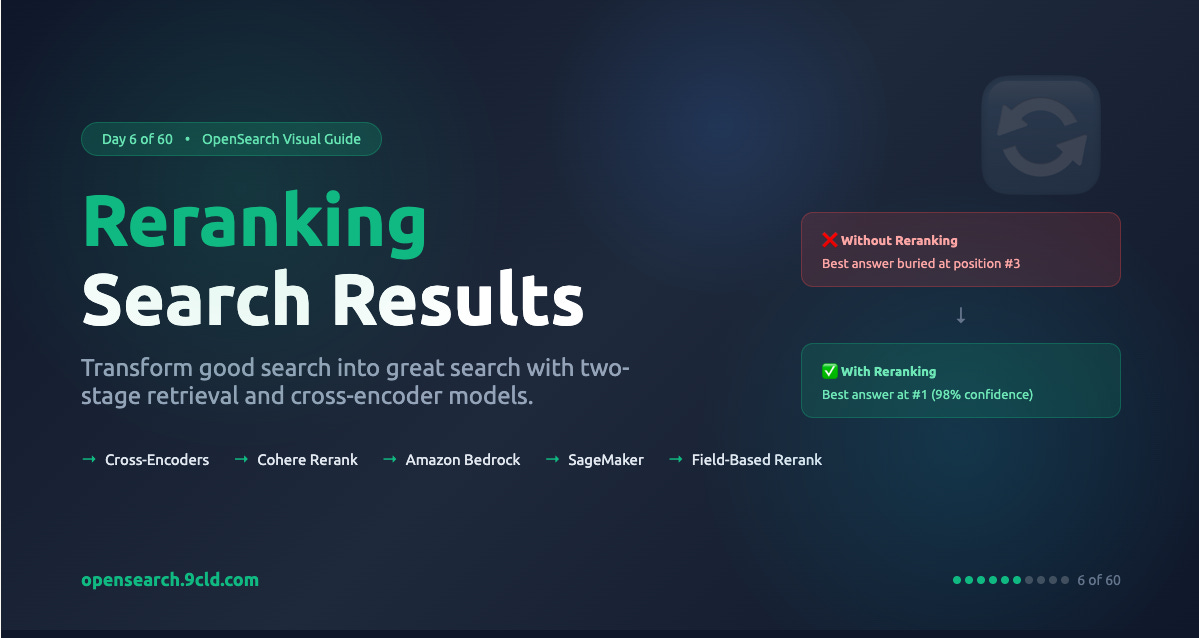
The correct answer is at position #3. The search engine got confused by documents that contain both “capital” and state names or “United States.”
With Reranking:
#1 (score: 0.98): “Washington, D.C... is the capital of the United States.”
#2 (score: 0.28): “Capital punishment has existed in the United States...”
#3 (score: 0.10): “Carson City is the capital city of Nevada.”
#4 (score: 0.07): “Northern Mariana Islands... capital is Saipan.”
The cross-encoder understood that the query is asking about a specific capital (the country’s), not just any capital, and not capital punishment. It pushed the correct answer to position #1 with 98% confidence.
Why This Matters for RAG
If you are building retrieval-augmented generation (RAG) applications, reranking is not optional. It is essential.
When you send documents to an LLM as context, you are paying for tokens. More importantly, LLMs have limited attention. If you send 10 documents and the relevant one is at position #7, the LLM might miss it or give it less weight.
Reranking ensures that when you send 3-5 documents to your LLM, they are the RIGHT 3-5 documents. This improves answer quality and reduces costs.
The Reranking Providers
OpenSearch supports multiple reranking approaches. Here is when to use each:
Cohere Rerank
Cohere offers one of the best reranking APIs available. It supports 100+ languages, handles structured data well, and integrates easily with OpenSearch through a connector.
Use Cohere when you want the best accuracy with minimal setup, and you are comfortable with external API calls. It is ideal for production systems where accuracy justifies the per-request cost.
Amazon Bedrock
Bedrock provides access to multiple reranking models, including Cohere Rerank, through AWS-native integration. Authentication uses IAM roles instead of API keys.
Use Bedrock when you are already in the AWS ecosystem and want native integration with IAM security. Regional availability varies, so check that your preferred model is available in your region.
Amazon SageMaker
SageMaker lets you deploy open-source reranking models like ms-marco-MiniLM or BGE-reranker-v2-m3 on your own infrastructure. You control the hardware, the model, and the data flow.
Use SageMaker when you have high query volumes (where per-request pricing becomes expensive), strict data residency requirements, or you want to use custom fine-tuned models.
Cross-Encoder (Local)
You can also deploy cross-encoder models directly within OpenSearch. This eliminates external API calls entirely but requires more infrastructure management.
Use local cross-encoders in air-gapped environments or when latency is absolutely critical.
Setting Up Reranking with Cohere
Here is the complete setup flow for Cohere Rerank in OpenSearch:
Step 1: Create the Connector
json
POST /_plugins/_ml/connectors/_create
{
  "name": "cohere-rerank",
  "description": "Connector to Cohere Rerank model",
  "version": "1",
  "protocol": "http",
  "credential": {
    "cohere_key": "your_cohere_api_key"
  },
  "parameters": {
    "model": "rerank-english-v3.0"
  },
  "actions": [
    {
      "action_type": "predict",
      "method": "POST",
      "url": "https://api.cohere.ai/v1/rerank",
      "headers": {
        "Authorization": "Bearer ${credential.cohere_key}"
      },
      "request_body": "{ \"documents\": ${parameters.documents}, \"query\": \"${parameters.query}\", \"model\": \"${parameters.model}\", \"top_n\": ${parameters.top_n} }",
      "pre_process_function": "connector.pre_process.cohere.rerank",
      "post_process_function": "connector.post_process.cohere.rerank"
    }
  ]
}
Save the connector_id from the response.
Step 2: Register and Deploy the Model
json
POST /_plugins/_ml/models/_register?deploy=true
{
  "name": "cohere rerank model",
  "function_name": "remote",
  "description": "Cohere Rerank for search relevance",
  "connector_id": "your_connector_id"
}
Save the model_id from the response.
Step 3: Create a Search Pipeline
json
PUT /_search/pipeline/rerank_pipeline
{
  "description": "Pipeline for reranking with Cohere",
  "response_processors": [
    {
      "rerank": {
        "ml_opensearch": {
          "model_id": "your_model_id"
        },
        "context": {
          "document_fields": ["passage_text"]
        }
      }
    }
  ]
}
The document_fields parameter tells the reranker which fields to consider when scoring relevance. If you specify multiple fields, their values are concatenated before reranking.
Step 4: Search with Reranking
json
GET my-index/_search?search_pipeline=rerank_pipeline
{
  "query": {
    "match": {
      "passage_text": "What is the capital of the United States?"
    }
  },
  "size": 10,
  "ext": {
    "rerank": {
      "query_context": {
        "query_text": "What is the capital of the United States?"
      }
    }
  }
}
The ext.rerank.query_context.query_text is what the reranker uses to score documents. In most cases, this matches your search query, but it can be different if needed.
Reranking by Field
Sometimes you already have relevance scores in your documents. Maybe a previous ML model computed them during indexing, or you have user ratings, or business priority scores.
OpenSearch supports field-based reranking that reorders results by a document field without calling an external model:
json
PUT /_search/pipeline/rerank_by_stars
{
  "response_processors": [
    {
      "rerank": {
        "by_field": {
          "target_field": "reviews.stars",
          "keep_previous_score": true
        }
      }
    }
  ]
}
This is useful for scenarios where you want to combine search relevance with business logic, like boosting highly-rated products or recent content.
You can also chain ML inference with field-based reranking. First, an ML model writes a relevance score to each document, then the field-based reranker sorts by that score.
AWS vs Alibaba Cloud
Both AWS and Alibaba Cloud support reranking in their managed OpenSearch services, but the implementations differ:
AWS OpenSearch Service
Native Bedrock integration for Cohere Rerank and other models
SageMaker endpoints for custom rerankers
IAM role-based authentication with SigV4 signing
Strong regional availability in the Americas and Europe
Alibaba Cloud OpenSearch
Model Studio integration for Qwen-based reranking
PAI-EAS for custom model deployment
RAM role-based authentication
Strong regional availability in Asia-Pacific, especially China
The connector patterns are similar, but authentication differs. AWS uses IAM roles with SigV4 request signing. Alibaba uses RAM roles with AccessKey/SecretKey pairs.
Performance Considerations
Reranking adds latency to your search pipeline. A typical cross-encoder takes 10-50ms to score a batch of documents. Here is how to manage this:
Limit candidate documents: Only rerank the top 100-200 results from your first-stage retrieval. Reranking 1000 documents is unnecessarily expensive.
Set appropriate size: The size parameter controls how many documents you return to the user. The reranker scores all candidates, but you only return the top N.
Consider hybrid queries: If you use hybrid search (keyword + vector), reranking happens after the normalization processor. The combined scores are normalized first, then reranked.
Monitor costs: External APIs like Cohere charge per request. High-volume applications should consider SageMaker or local deployment.
What is Next
Tomorrow, we dive into RAG and conversational search. With reranking in your toolkit, you are ready to build AI applications that not only retrieve documents but also synthesize them into coherent answers.
Interactive Guide: opensearch.9cld.com/day/06-reranking
Day 6 of 60 - From Zero to OpenSearch Hero