

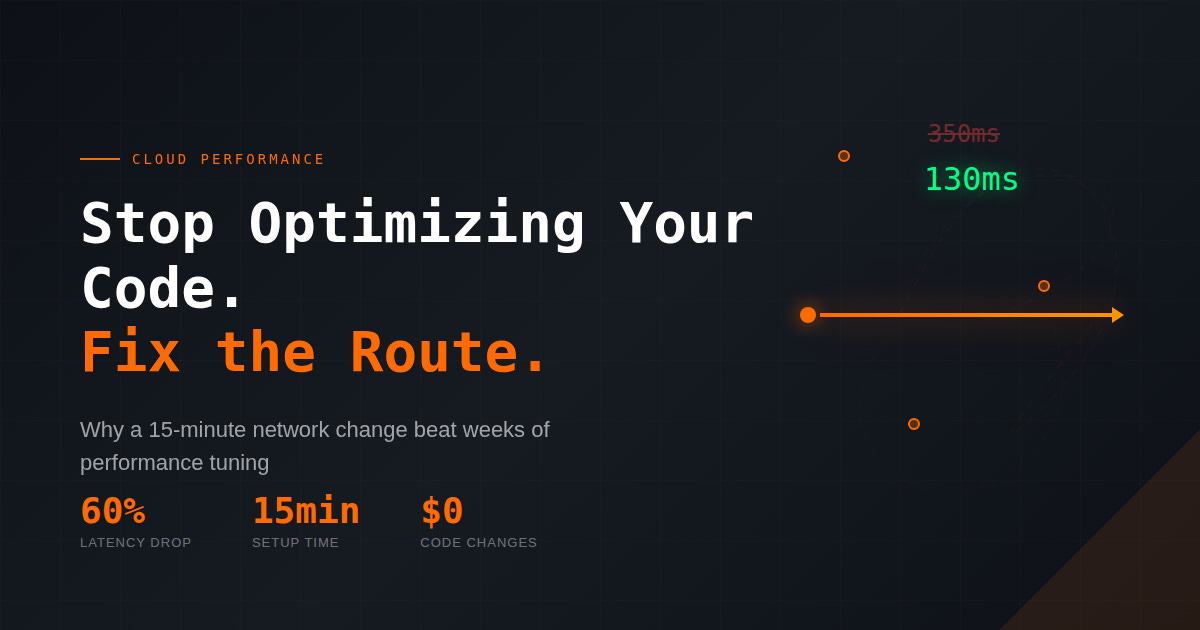
A SaaS team asked me to solve a latency problem.
Backend in Tokyo. Users in Jakarta and Melbourne are churning. They spent weeks on CDN tuning, database optimization, and frontend rewrites.
Nothing worked.
I looked at their traceroutes. A request from Sydney was not going to Tokyo. It was bouncing through Hong Kong, hitting a congested peering point in LA, then looping back across the Pacific.
Their code was fine. The internet was betraying them.
The Fix Nobody Tries First
We enabled Alibaba Cloud Global Accelerator.
Instead of riding the public internet, user traffic now enters Alibaba’s private backbone at the nearest edge—then travels direct to origin.
24 hours later:
Seoul: 280ms → 110ms
Sydney: 350ms → 130ms
Jakarta: 210ms → 95ms
Timeouts dropped 90%. Zero code changes.
Why This Works
Public internet routing optimizes for cost, not speed. Your packets take the cheapest path, not the fastest.
Global Accelerator bypasses that entirely. Users connect to a nearby edge location. From there, traffic moves over private fiber—predictable, uncongested, direct.
Same destination. Different highway.
Setup Takes 15 Minutes
Create accelerator in Alibaba Cloud Console
Get your assigned global IP
Point your domain to that IP
Attach your backend endpoint
Cost: ~$0.08/GB transferred. No hourly fees.
The Trap I Fell Into
First deployment, latency dropped beautifully. Then a traffic spike hit, and errors spiked with it.
The backend had become CPU-bound.
Global Accelerator speeds up the network. Not your server.
Faster delivery means faster queuing if your origin can’t keep up. Pair this with auto-scaling, or you will just expose bottlenecks sooner.
When It Makes Sense
Use it for: APIs, dashboards, real-time apps, anything interactive across distributed users
Skip it for: Static assets (use CDN), single-region users, batch workloads
One Thing to Try
Measure your current latency from multiple regions using Ping.pe.
If you see 200ms+ gaps between locations, the problem probably isn’t your code.
It’s the route.